ERP Program for NPO (Linked to “First Excel Accounting”)
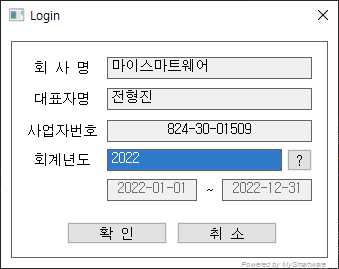
Login
Shows registered group information
You can change the fiscal year by selecting the fiscal year using the fiscal year code help.
Click OK to run MyNPO.
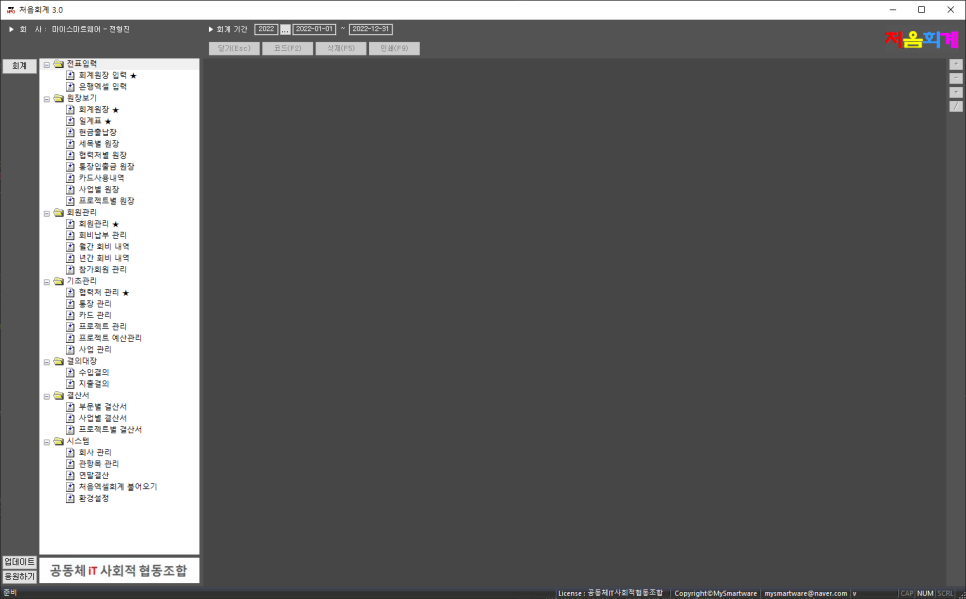
MyNPO-Main
This is the entire execution screen of MyNPO.
The left window contains executable menus.
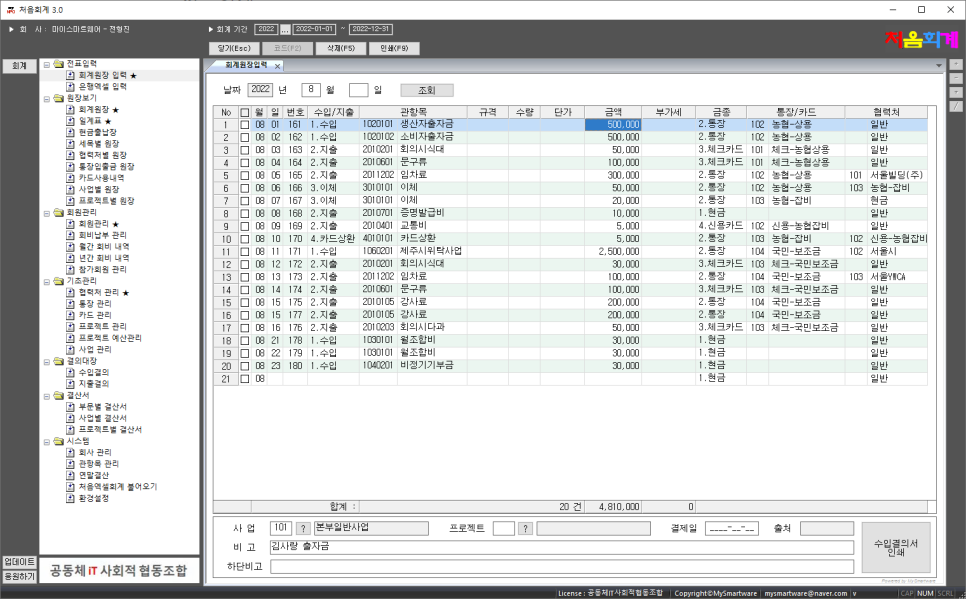
Enter accounting ledger
This menu allows you to enter accounting data by month/day
You can print monthly accounting ledgers, expenditure resolutions, and income resolutions.
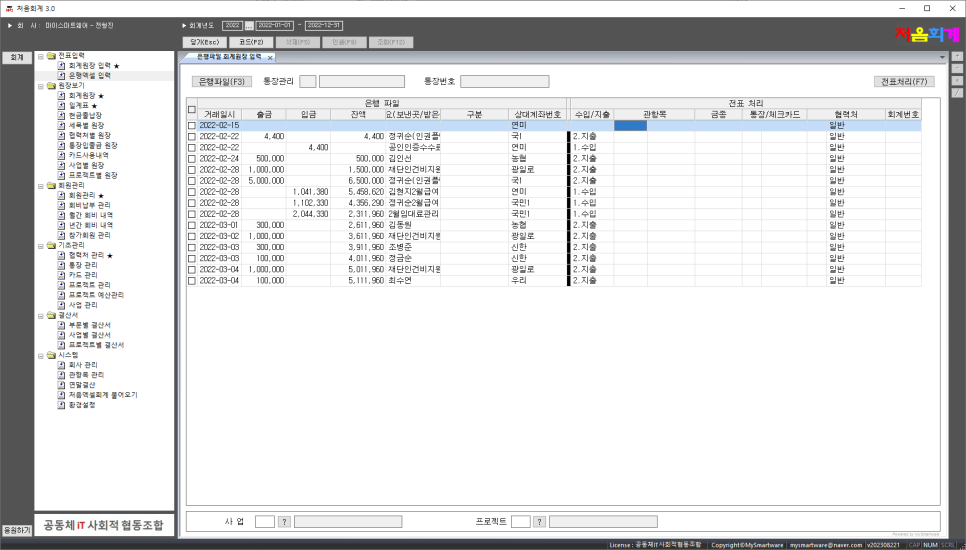
Bank Excel input
This menu allows you to easily add slips to your accounting ledger using the transaction history Excel file downloaded from the bank.
Bank Excel files that can be processed include Kookmin Bank, Nonghyup Bank, Industrial Bank of Korea, Shinhan Bank, Hana Bank, Woori Bank, Busan Bank, Gwangju Bank, and Saemaul Geumgo.
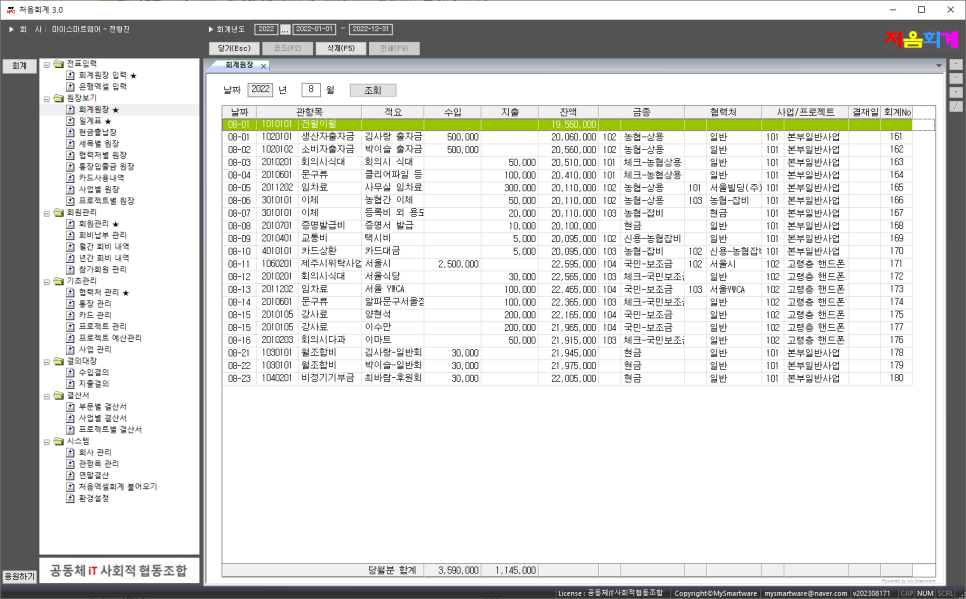
Accounting ledger
This is the menu to check the monthly accounting ledger.
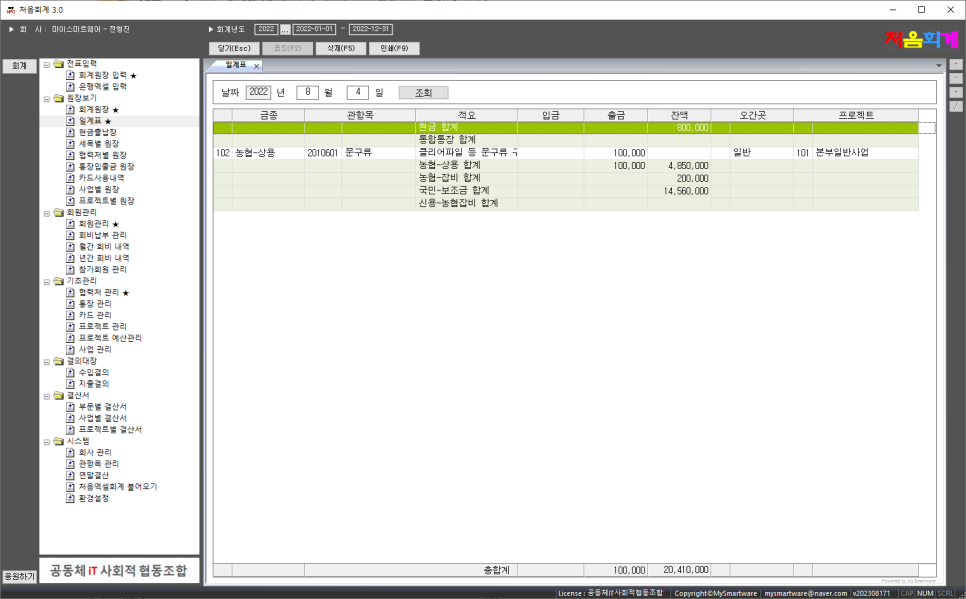
Schedule
This is the menu to check the daily accounting ledger.
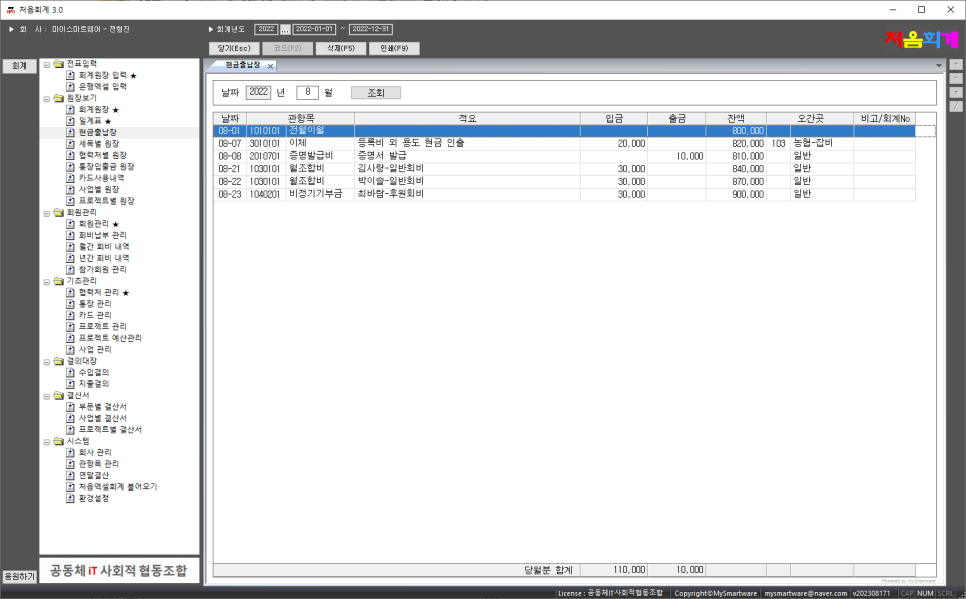
Cash register
This is the menu to view monthly cash receipts and disbursement slips.
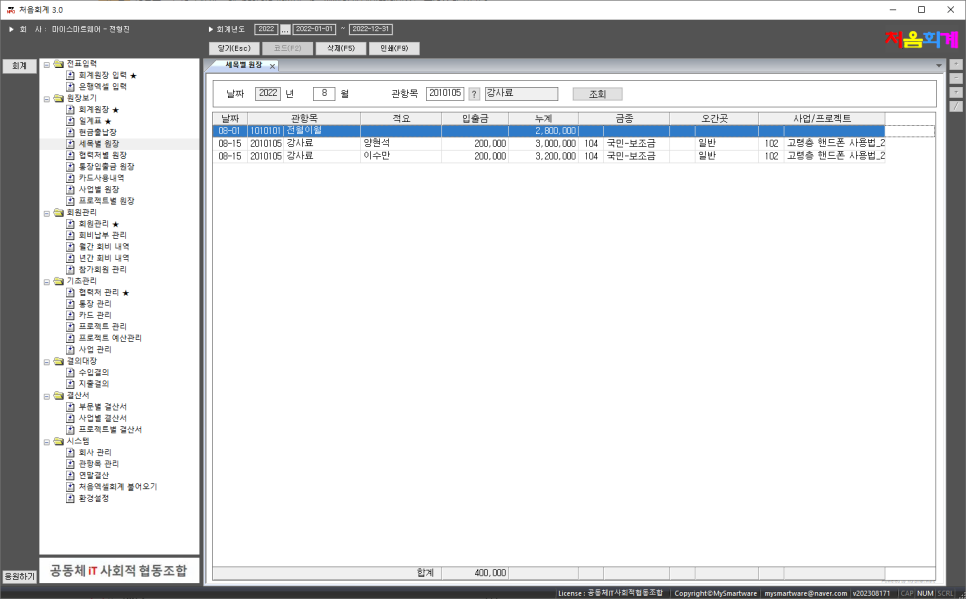
Ledger by subdivision
This is the menu to search for invoices by government item-detail.
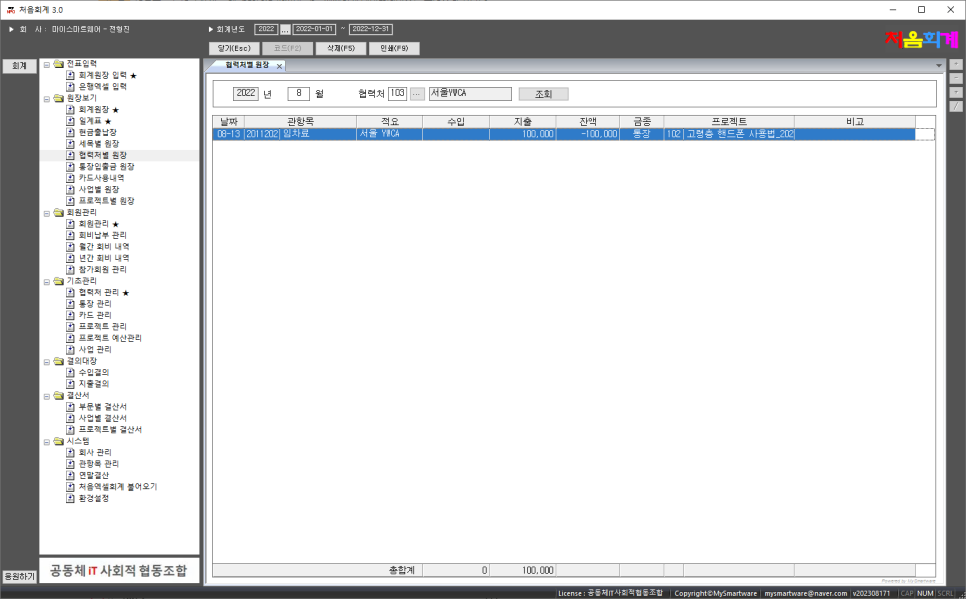
Director of each partner office
This is a menu to view invoices for each partner.
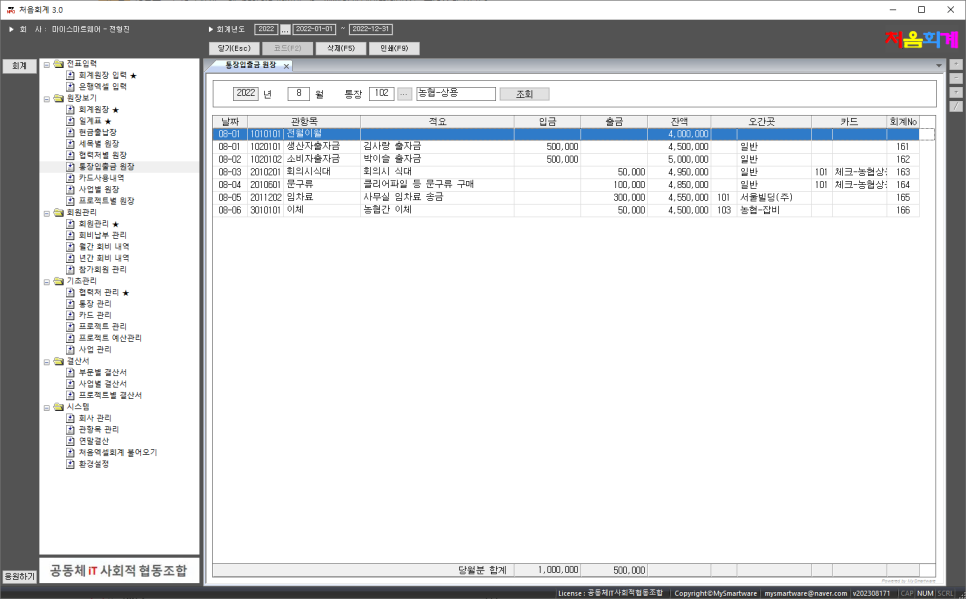
Bankbook deposit/withdrawal ledger
This is the menu to check the vouchers for each bank account.
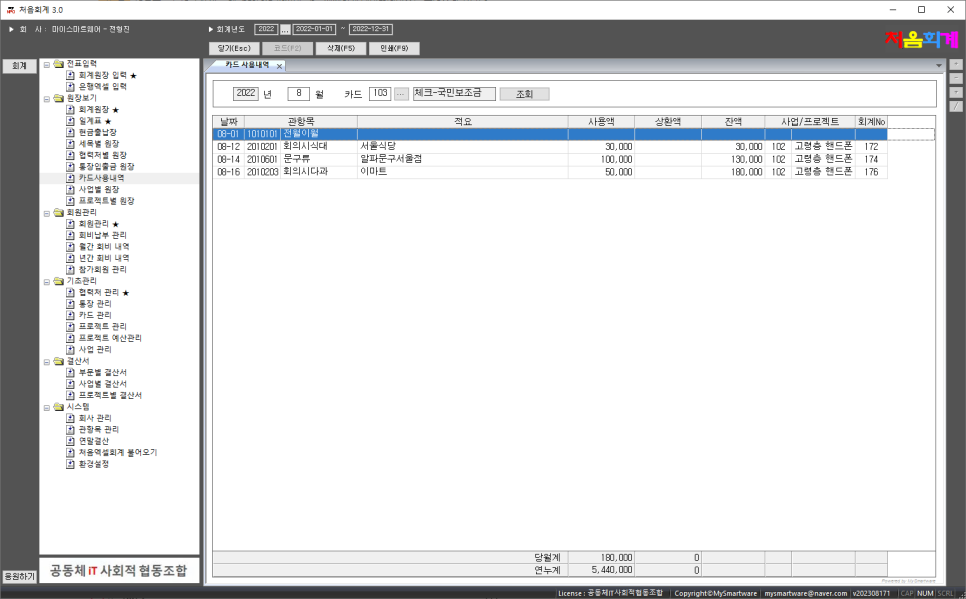
Card usage history
This is the menu to view slips for each card.
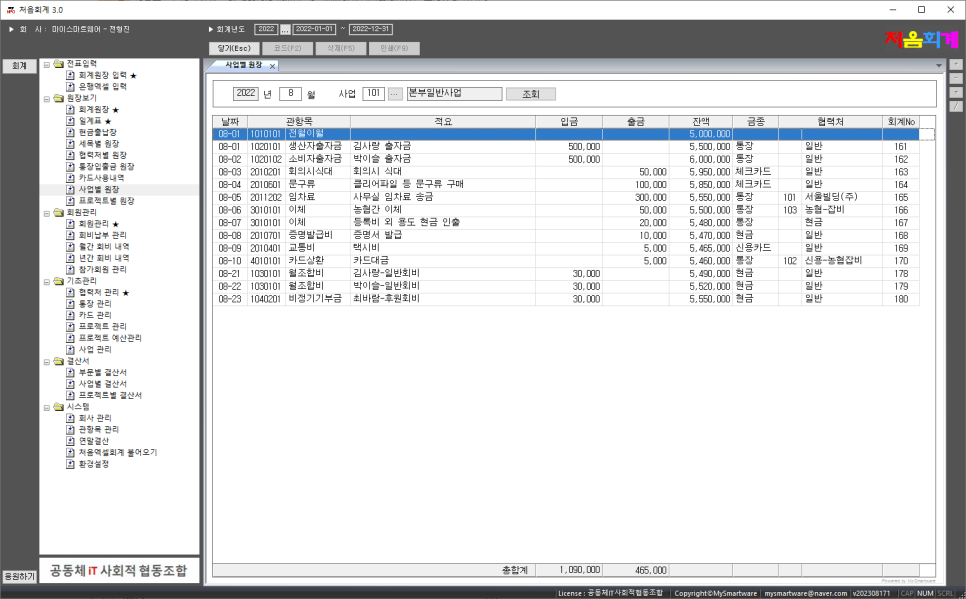
Ledger by business
This is a menu to view invoices for each business.
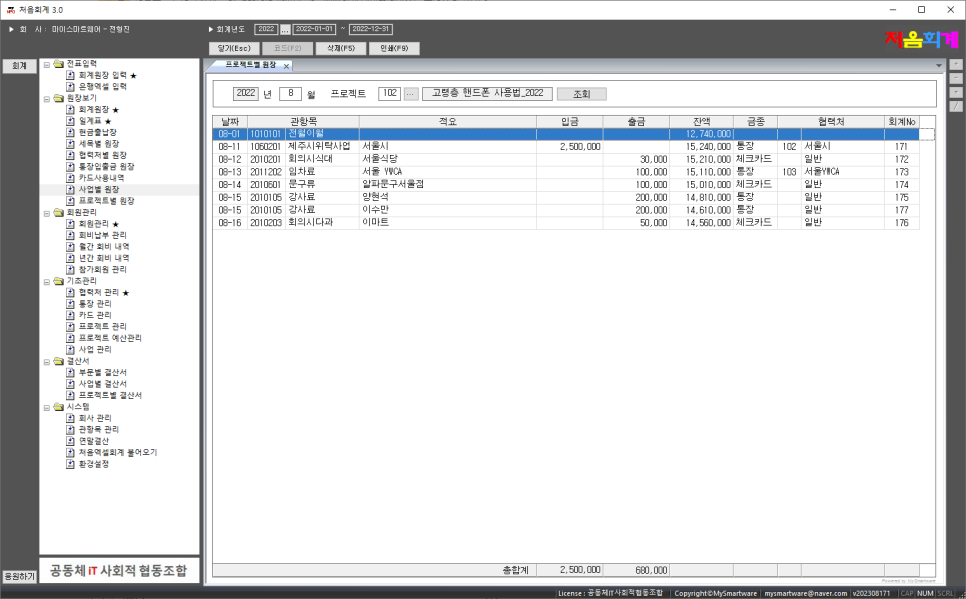
Ledger by project
This is the menu to view invoices for each project.
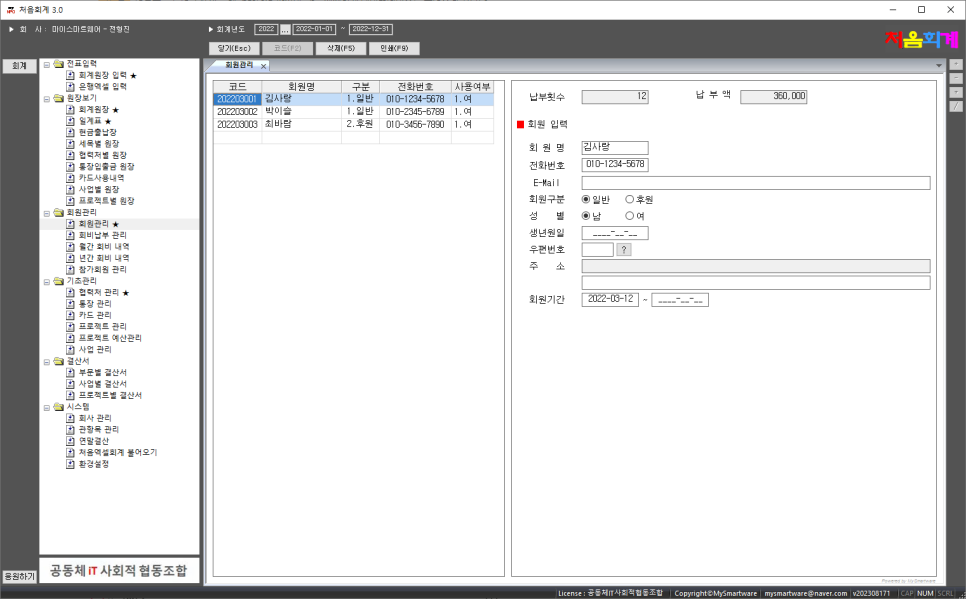
Membership management
This is the menu to register/delete/search members.
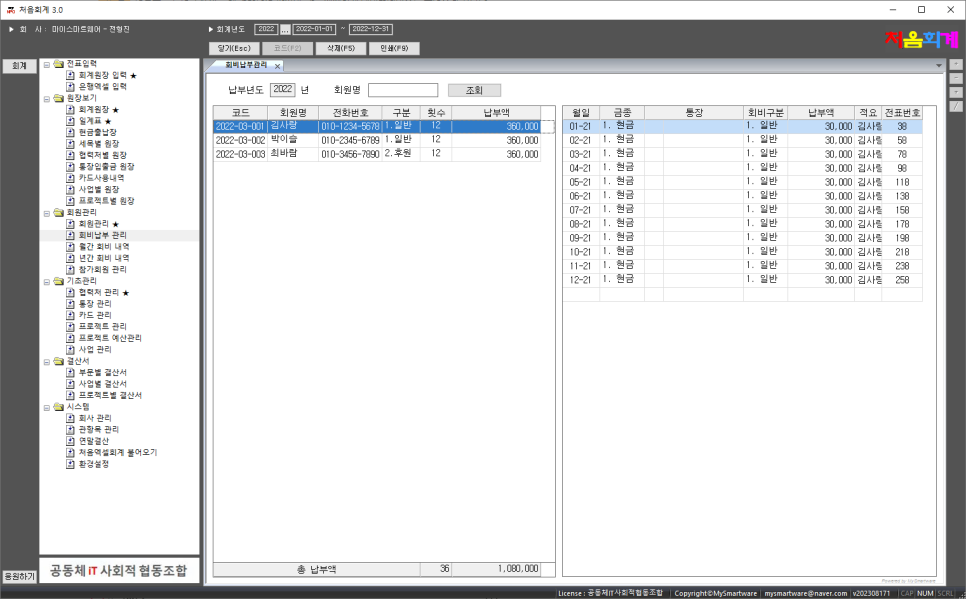
Membership fee payment management
This menu manages membership fee payment details for each member.
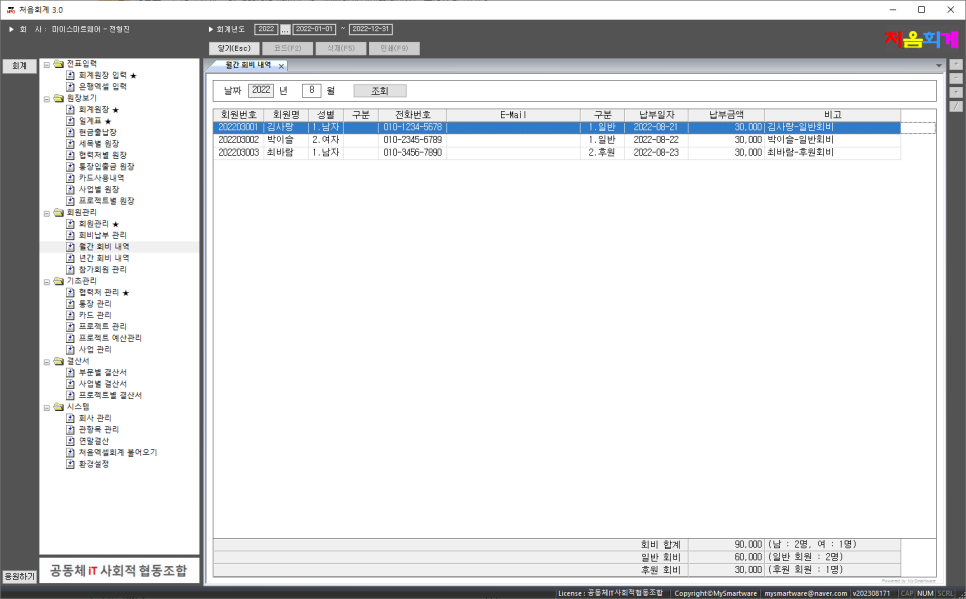
Monthly membership fee details
This is a menu to check the monthly membership fee details for each member.
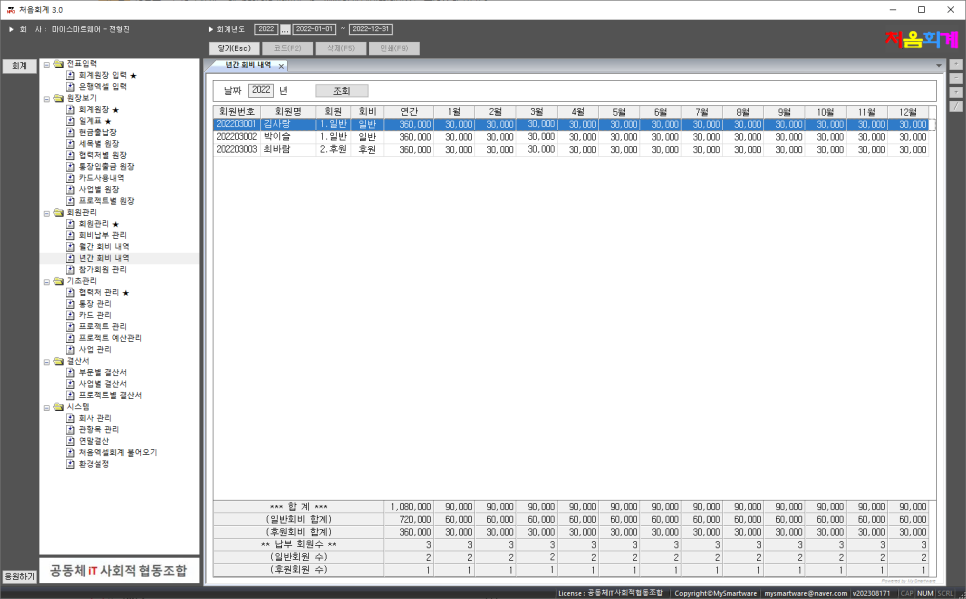
Annual membership fee details
This is a menu to check membership fee details for each member by year.
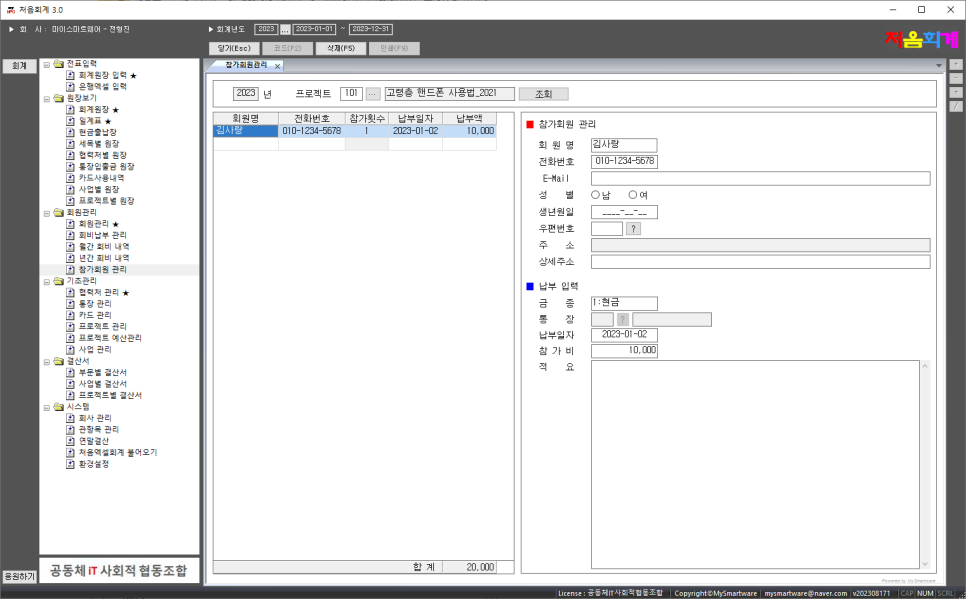
Participating member management
This is a menu to manage temporary members and membership fees for each project.
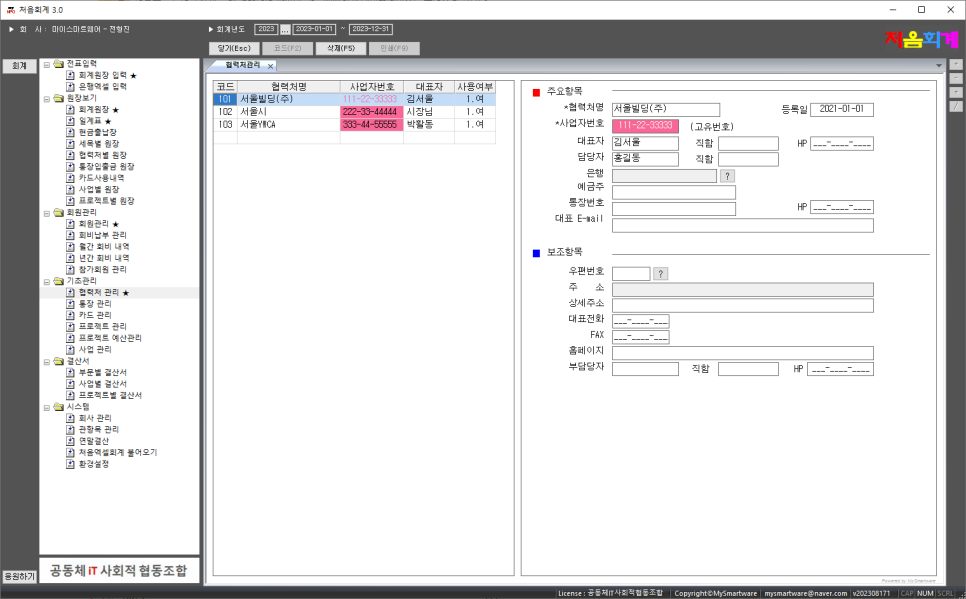
Partner management
This is the menu to register/delete/search partners.
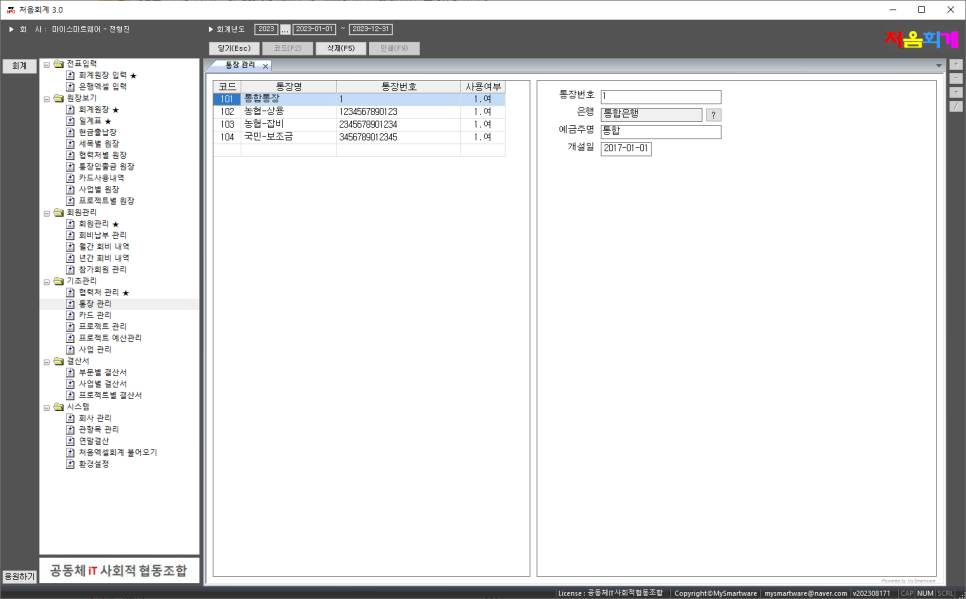
BankBook management
This is the menu to register/delete/view your bankbook.
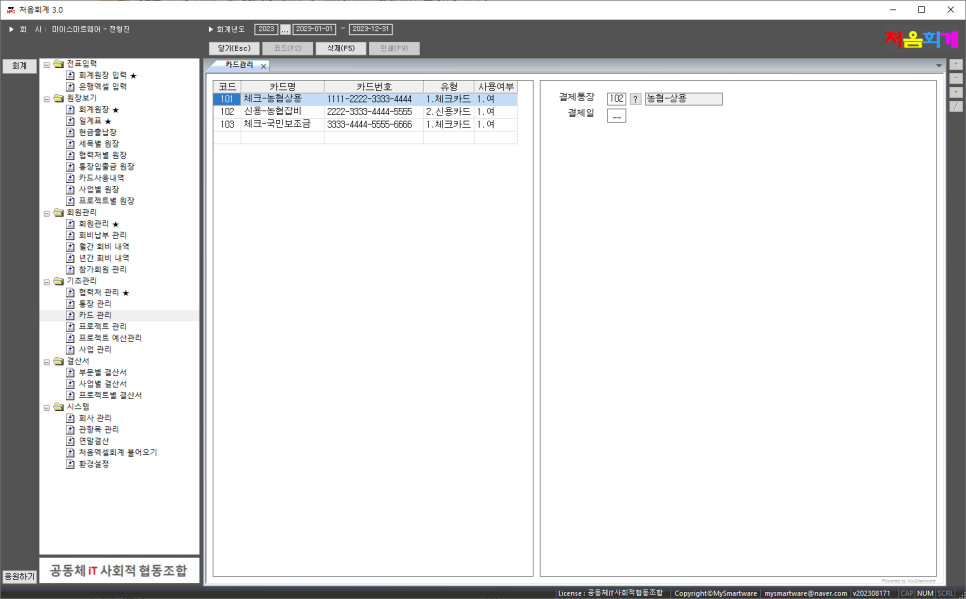
Card management
This is the menu to register/delete/search cards.
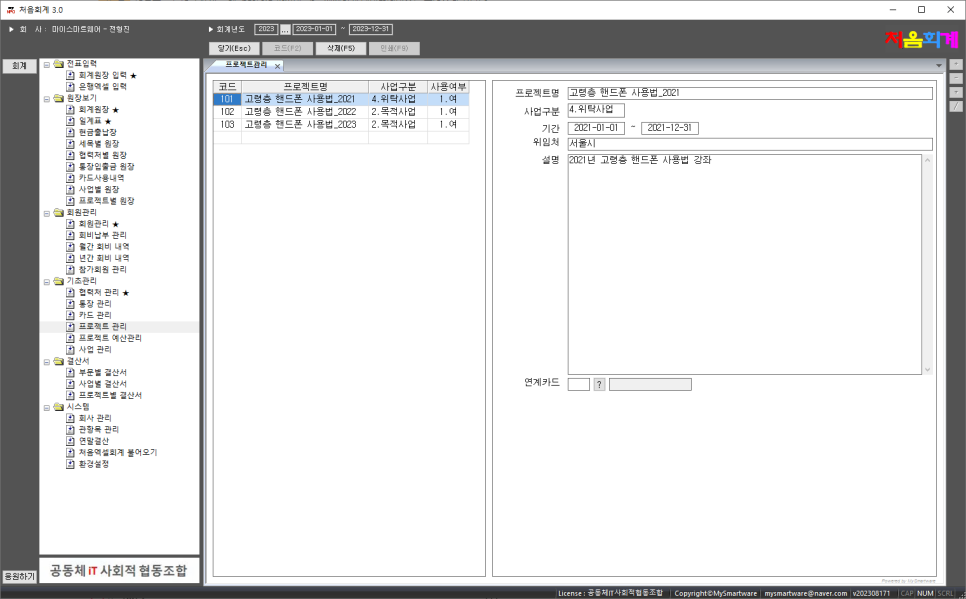
Project management
This is the menu to register/delete/search projects.
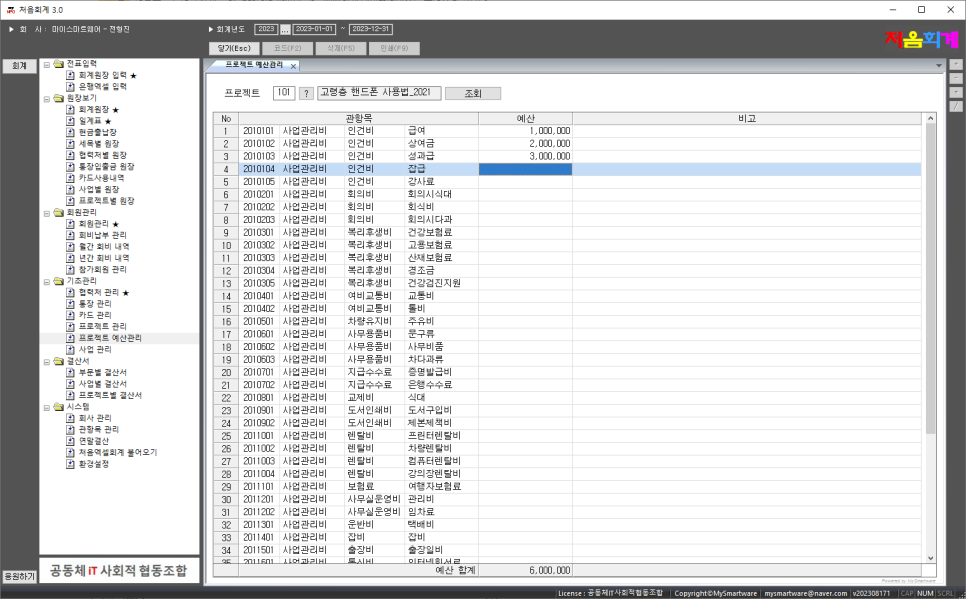
Project budget management
This is a menu to manage the budget for each project and each item.
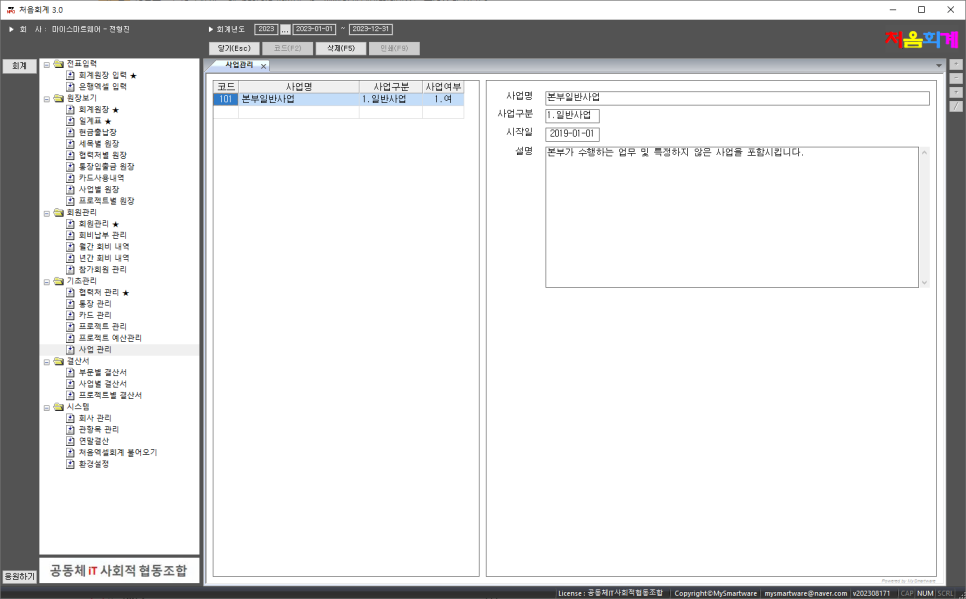
Business management
This is the menu to register/delete/search a business.
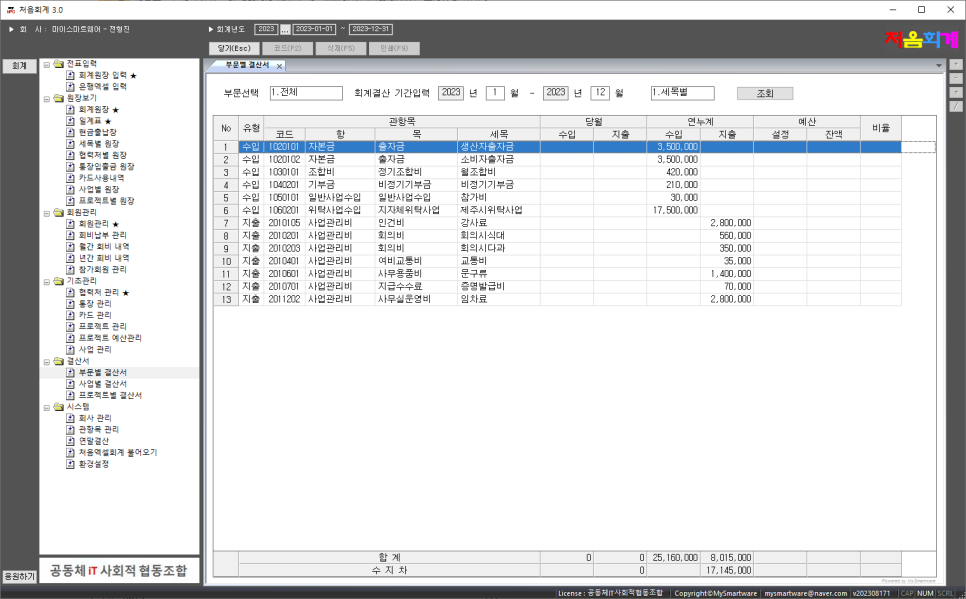
Separate financial statement
This is a menu to search ledgers by business/project by detail/subtotal.
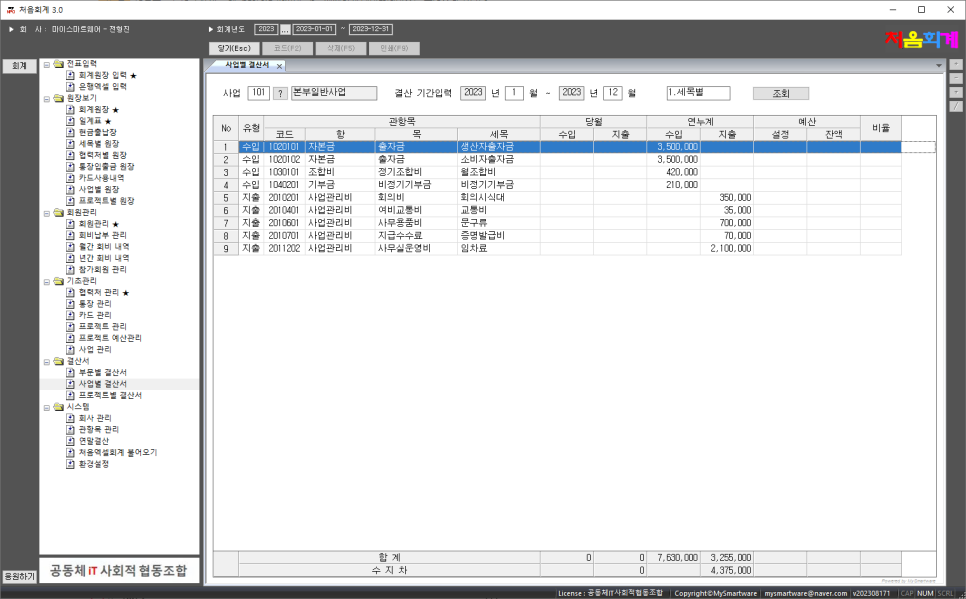
Financial statements by business
This is a menu to search the business ledger by detail/subtotal.
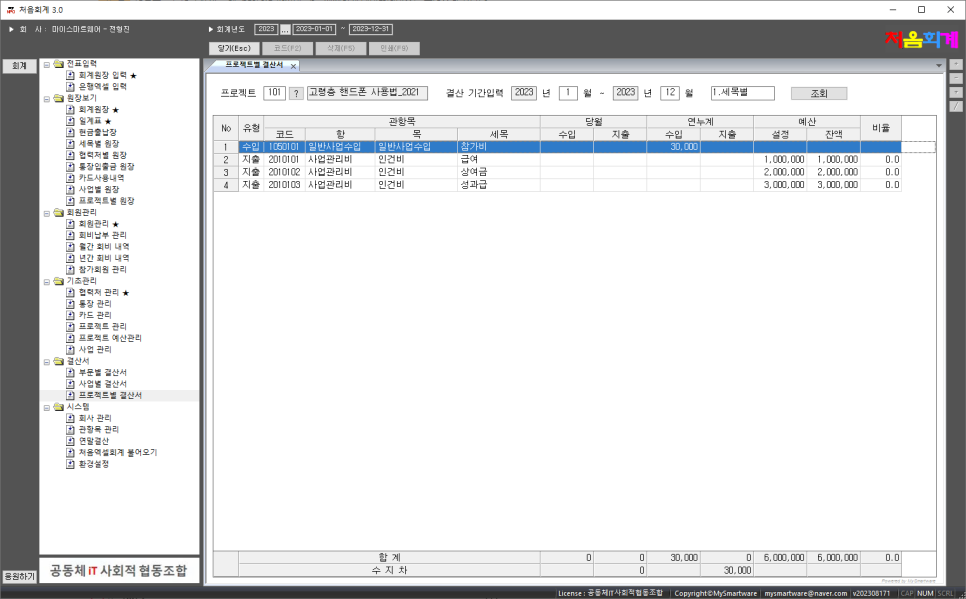
Statement of accounts by project
This is a menu to search the ledger for each project by detail/subtotal.
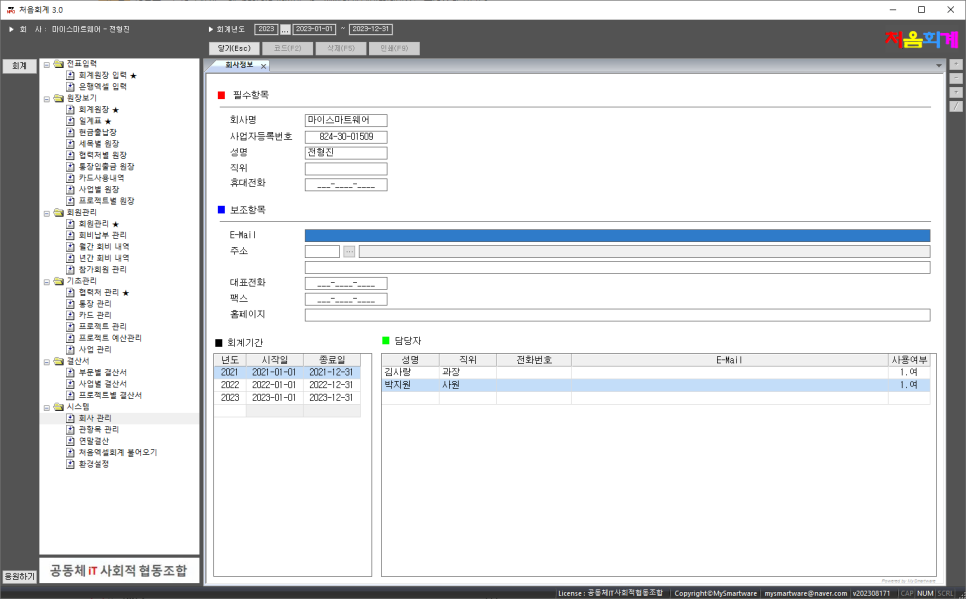
Group management
This is the menu to enter group information.
You can enter fiscal year and person in charge information.
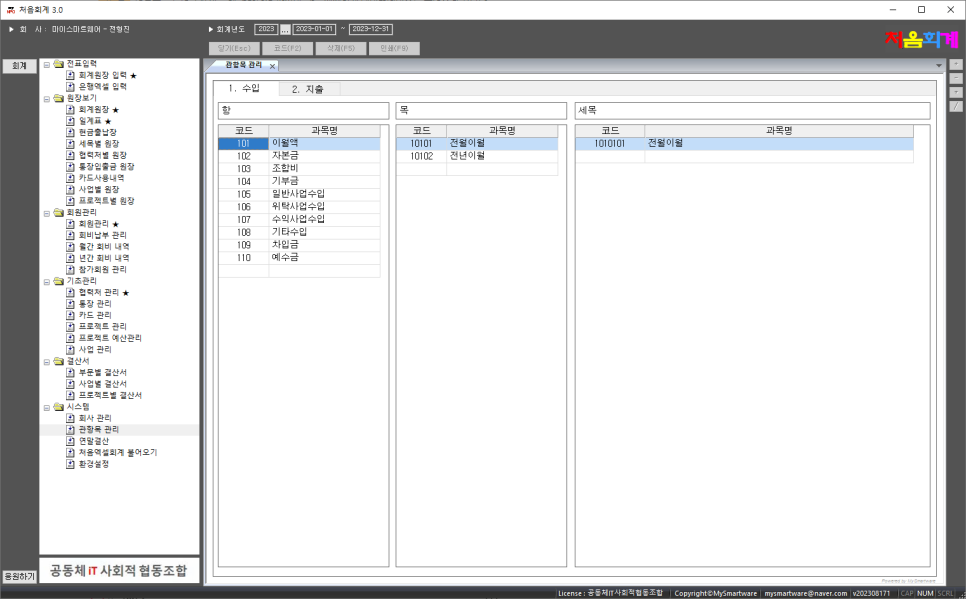
Management of items
This is a menu that allows you to register/delete/search the items to be used in the accounting ledger.
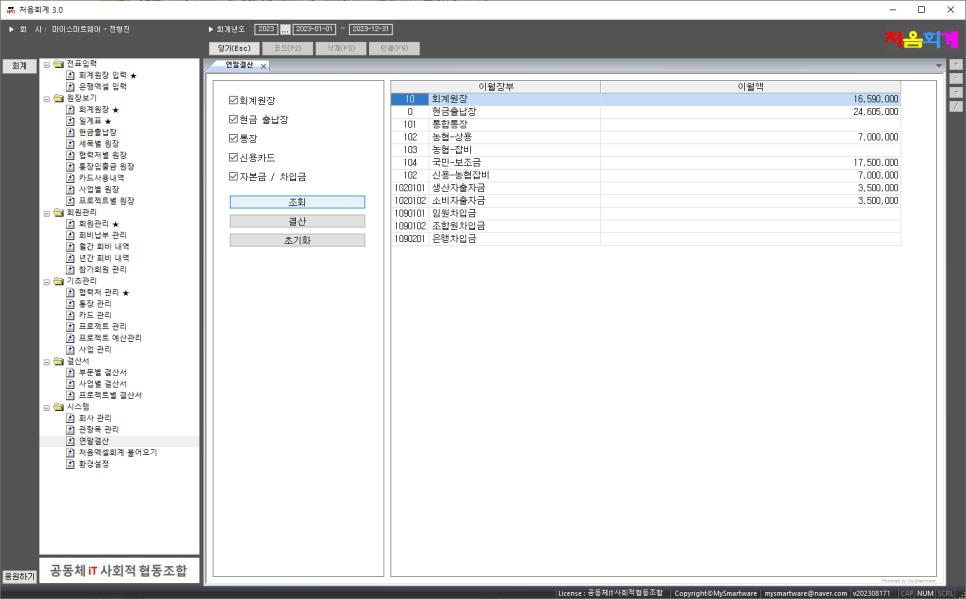
Year-end settlement
This menu is used to carry over/settlement the accounting at the end of the year to the next year.
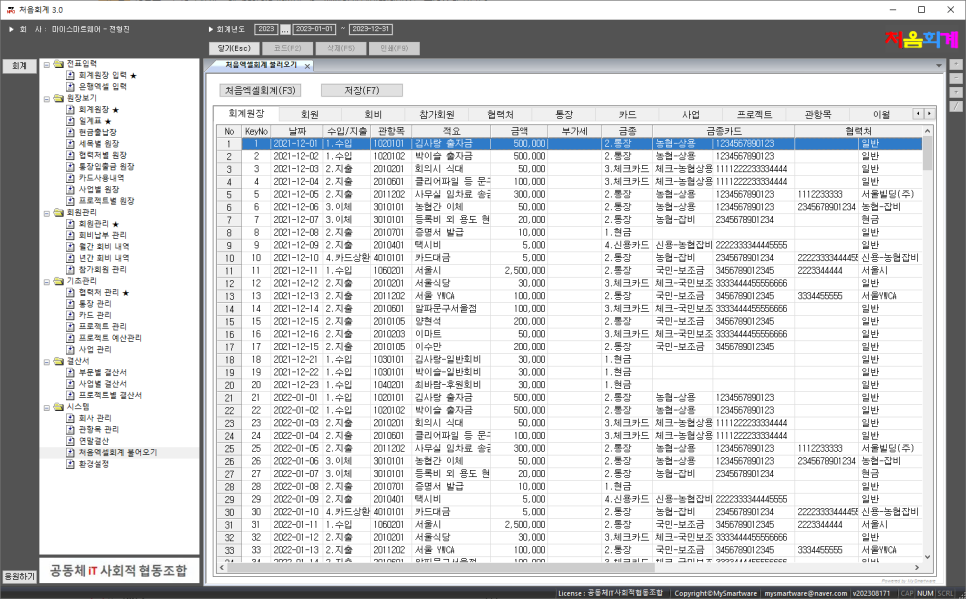
Import Excel Accounting for the first time
기존에 사용하던 “처음엑셀파일”의 모든 데이터를 MyNPO에 업로드 할 수 있는 메뉴입니다.
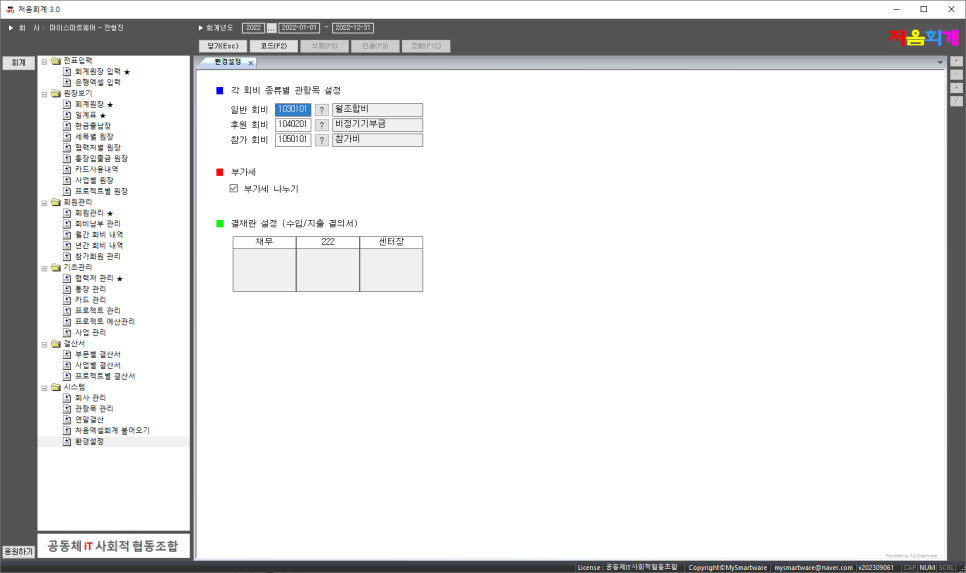
Preferences
This is a menu for setting basic membership fee items used for membership fee management.
This is a menu that sets whether to automatically calculate the value-added tax from the amount entered when entering the accounting ledger and enter the amount and value-added tax separately.
This is the menu for setting the title of the payer to be used in the payment column in the expenditure resolution/import resolution print file.